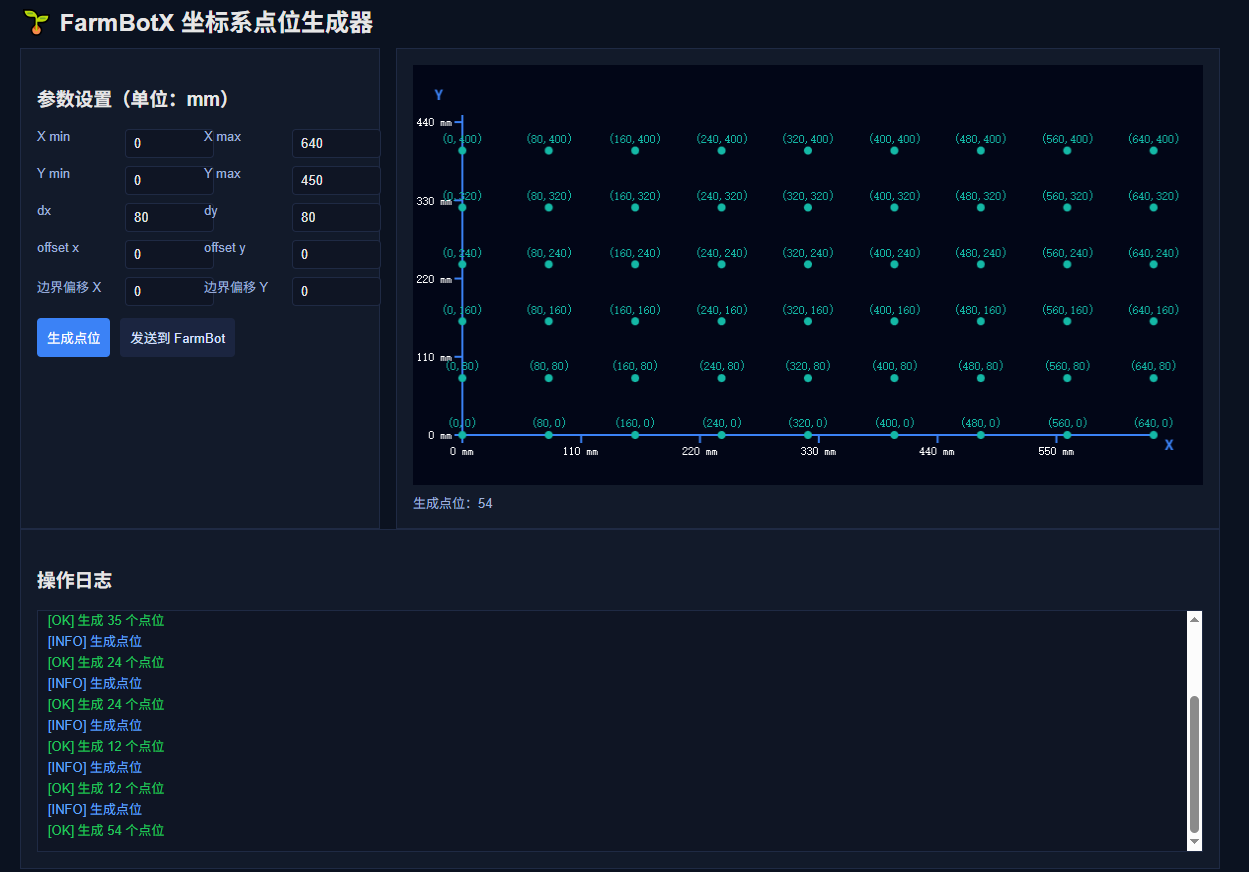
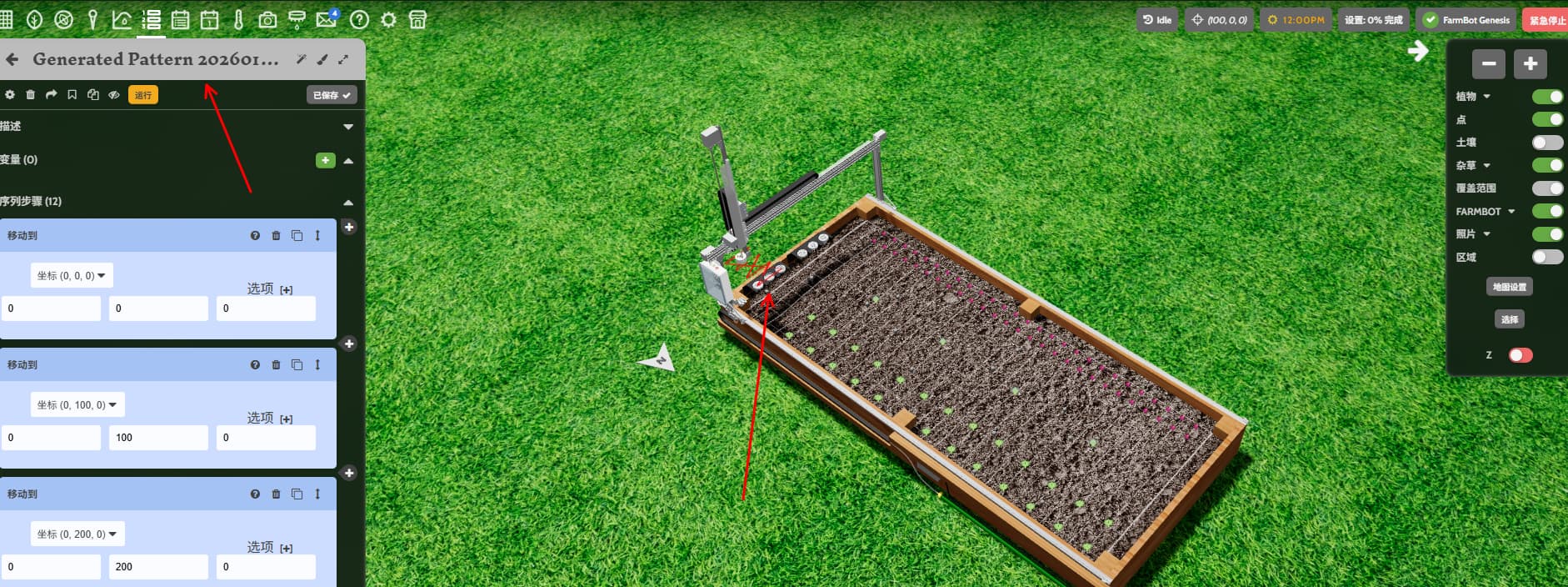
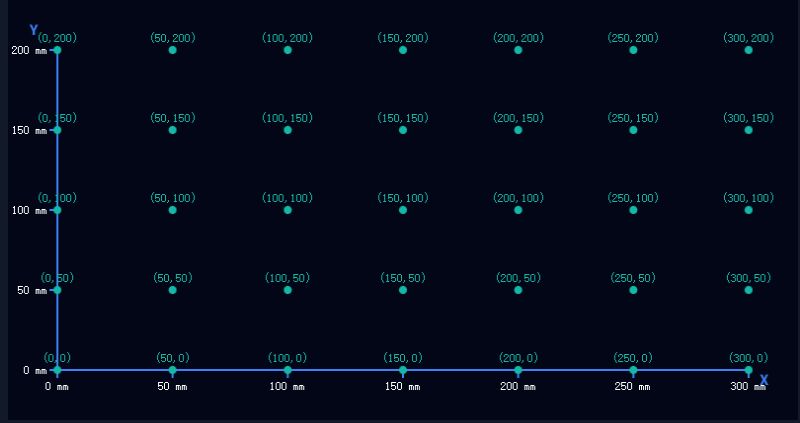
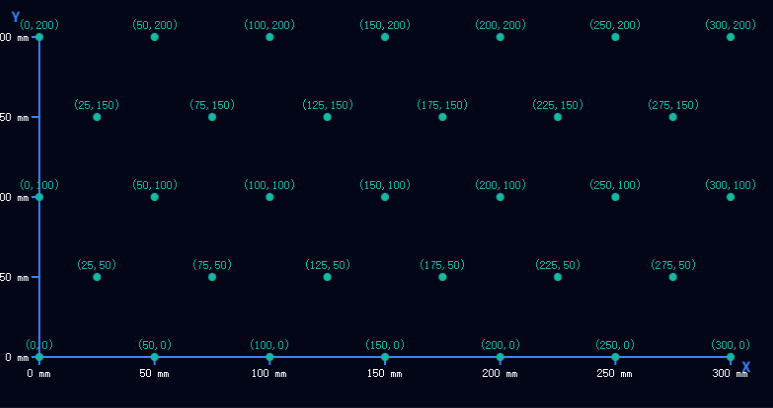
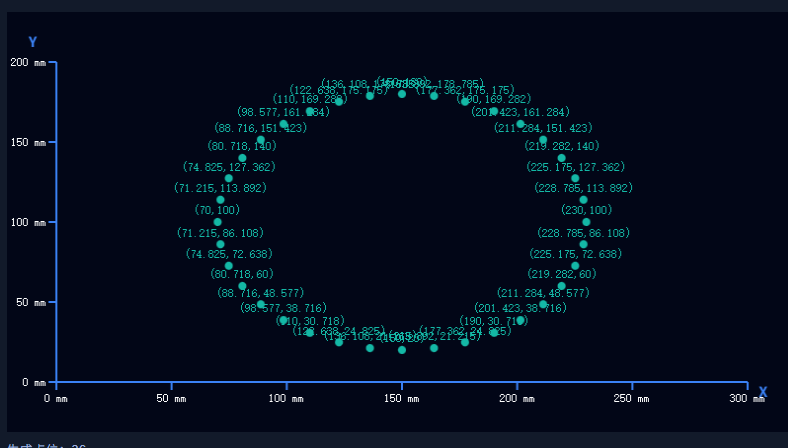
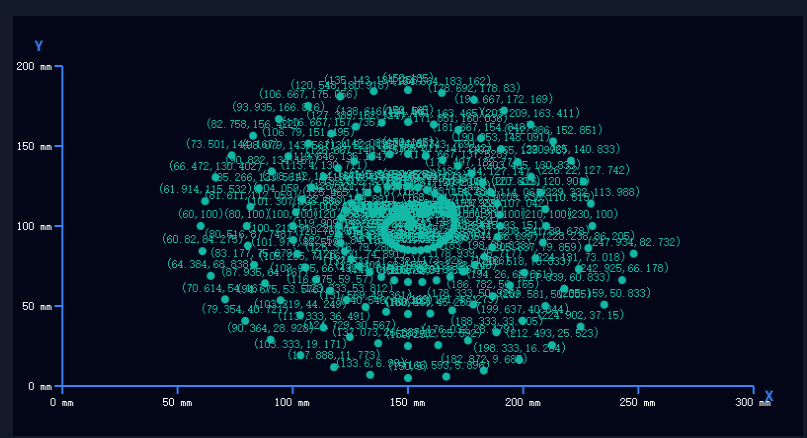
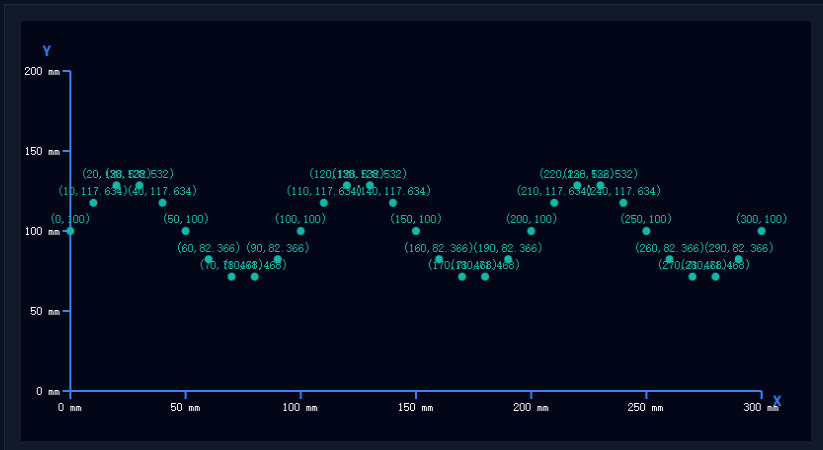
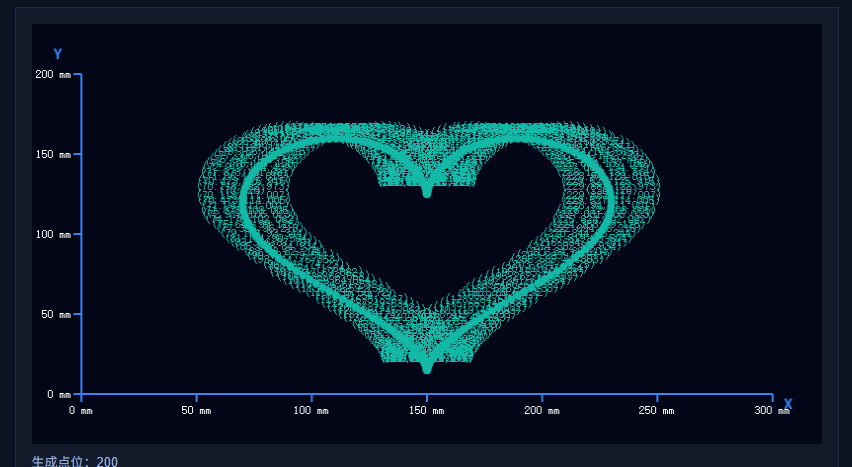
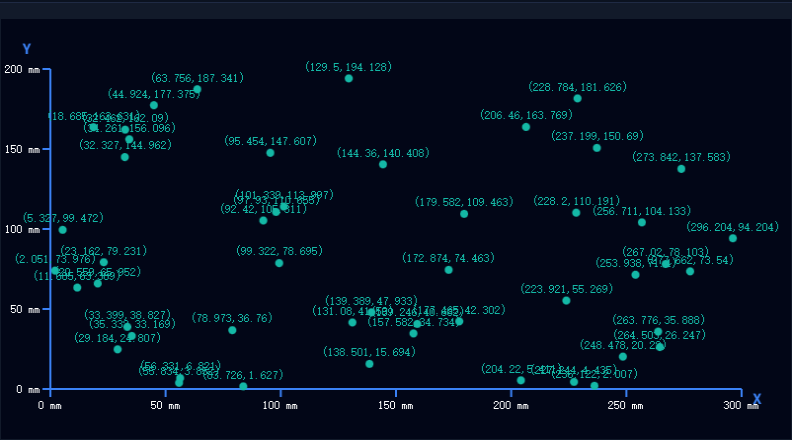
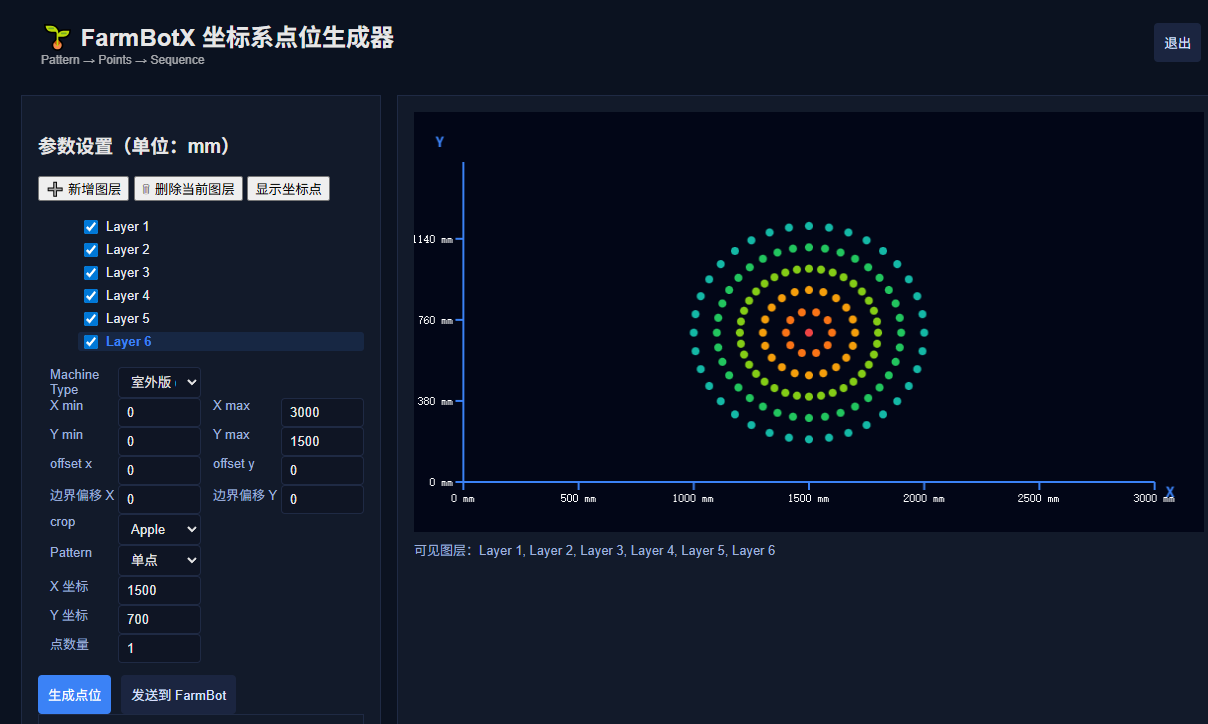
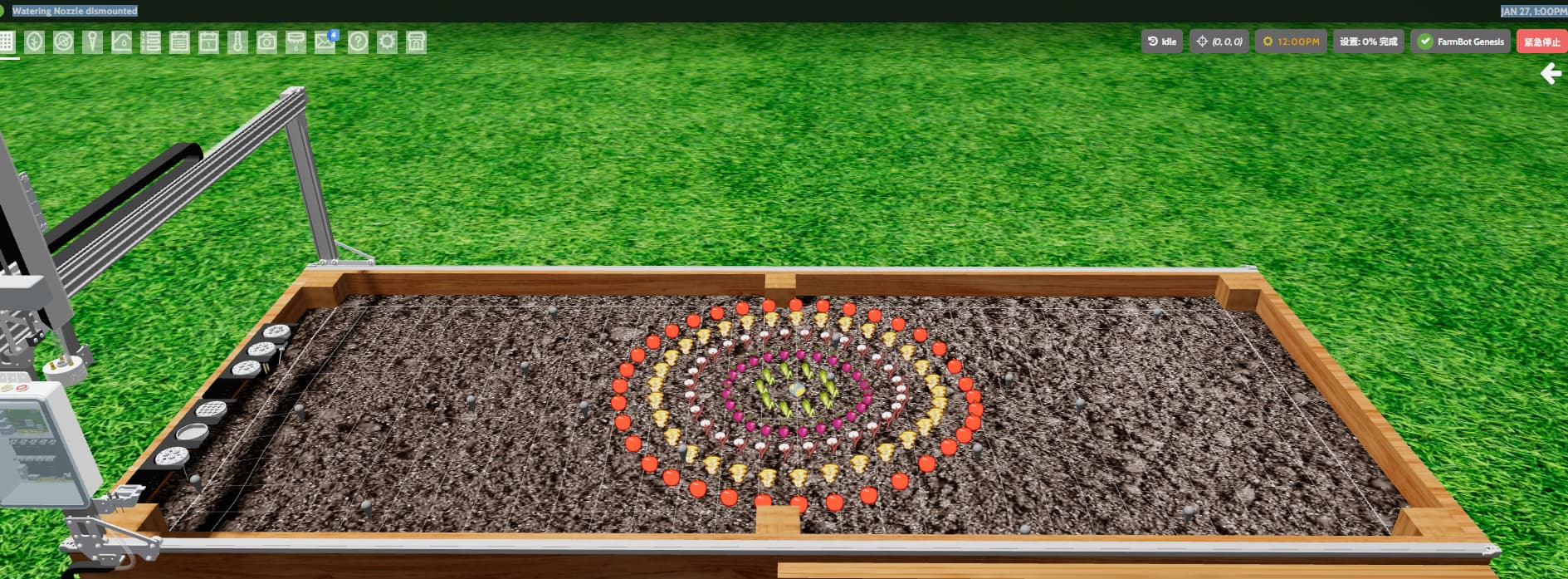
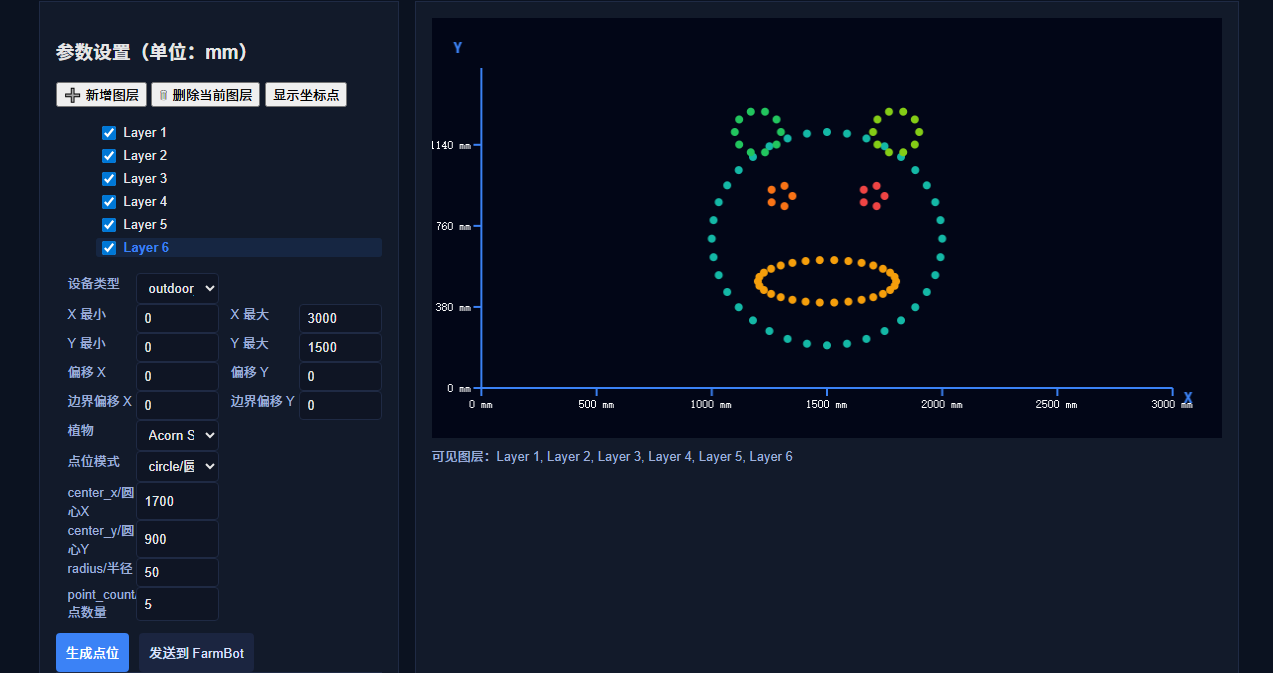
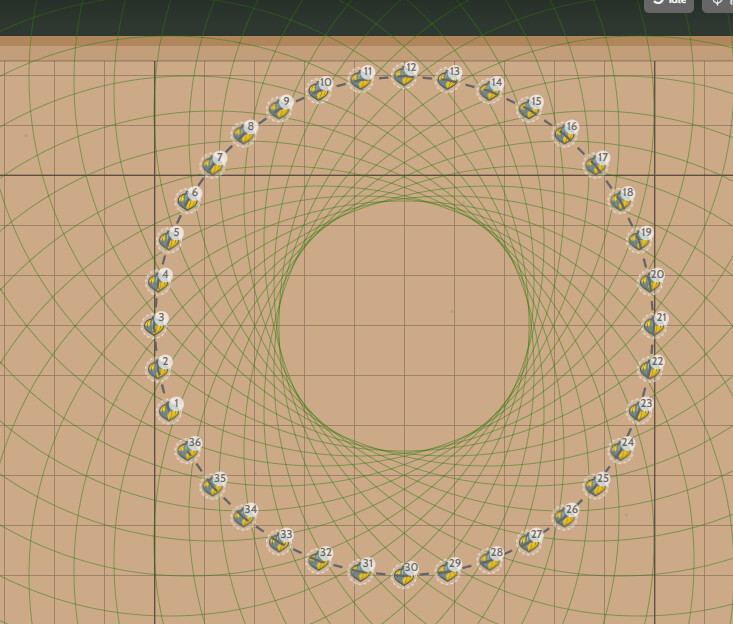
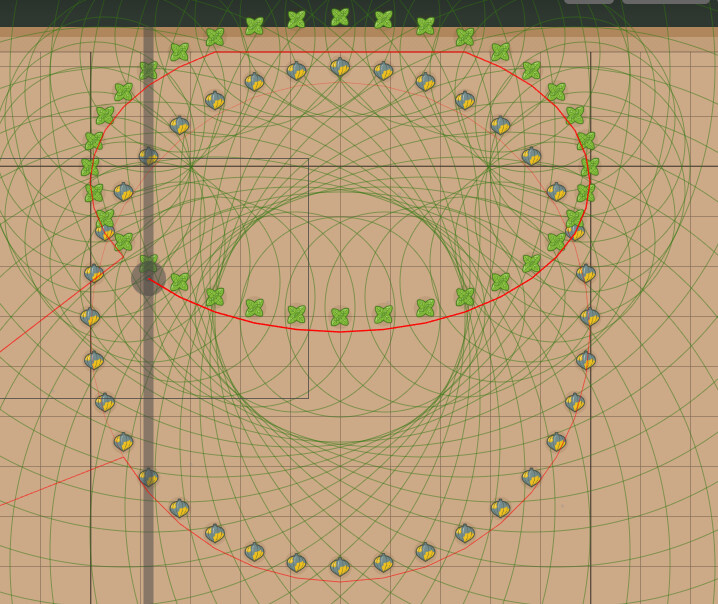
This is currently my verification of the entire process: generating points and sending them to Farmbot for execution.
This is a site generator I plan to develop. It will generate different planting sites based on certain parameter settings. It can generate corresponding sites according to a pattern and then send them to Farmbot. It can send sites or execute them directly as a sequence.
This way, different planting patterns can be created, and within a 1.5x3 or 3x6 space, different planting combinations can be made to ultimately produce the pattern we need.
I’d love to hear your thoughts on this; welcome to discuss.
I’d like to quickly verify the generator’s effectiveness and see if I can use the website’s demo application. Currently, I can access the demo reference locally, but I don’t know the specific username and password; this is automatic. Is there a public password that I can use for these demo-generated accounts? Currently, the demo automatically generates a new account each time.
However, this would result in generating a large number of accounts. It would be better if it could be similar to a real account, allowing the demo account to be fixed.
The demo account feature is meant to be used extensively in classroom settings, so you should be able to make up to 50 demo accounts per hour. These will be automatically deleted after some time of inactivity, but you can use them temporarily for testing/validation purposes.
Alternatively, feel free to make a small number of additional permanent accounts for ongoing testing. If your email provider allows, you can use a format like: name@gmail.com, name+1@gmail.com, name+2@gmail.com, allowing you to have multiple FarmBot accounts without needing to create new emails (anything with +x will be sent to the root email account.
I’d like to know if these demo accounts share a common password? Or are the passwords all different?
I already know how to change the password and use them, but if you all have a common password, I wouldn’t need to change it myself every time I use them. That would be much more convenient.
I checked the code, but I’m not sure if I’m looking in the right place.
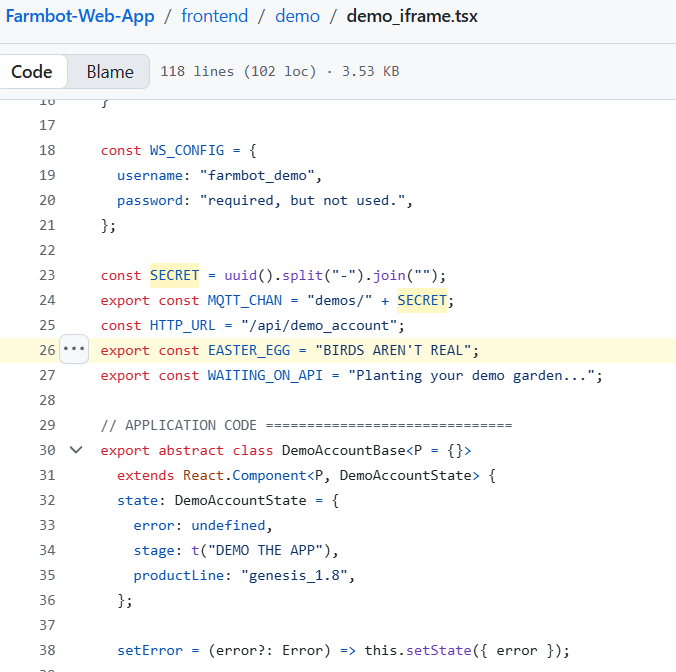
According to the code logic, const SECRET = uuid().split("-").join(""); is a random password. I’m wondering if it’s possible to change it to a specified “Guest” password. If so, it would allow for remote testing using a legitimate account.
As long as the user doesn’t log out, the login status remains. This would allow for simulations of remote code control using a fixed password.
For students, this would make additional program development and viewing the results more convenient.
This method works perfectly when I generate a point map, push it to the demo account, and then execute the sequence. The results are also very good.
You’re looking at some of the correct code. In demo_iframe.tsx the password is being randomly generated by the browser (SECRET) and then the backend will use the secret to set the demo account’s password in create_demo.rb. You could change this behavior to a fixed value if you’re running your own server!
This dot generator allows you to combine different plants to create various plant patterns, resulting in more aesthetically pleasing planting effects.
Next, we’ll optimize the dot planning route. Currently, in simulation testing, the actual moving points seem to run back and forth, possibly following the generation order. We’ll add an algorithm to obtain an optimal control path, improving movement efficiency. Combined with our previous continuous planting tool, we can essentially achieve rapid planting of a pattern, with different plants planting different patterns to ultimately form a complete pattern.
@roryaronson I’d like to understand how to add a sorting function to points within a group, so that the sorting can be performed. It seems that the points table doesn’t have an order field. Some resources suggest using a meta field to add an order field to solve this, but I don’t know if that’s feasible.
For example, if I have a circular dot matrix, I want each dot to be executed clockwise, instead of currently executing from smallest to largest along the X-axis, which would cause the execution to move back and forth between the top and bottom dots, from left to right.
You could implement a custom sorting algorithm (eg: clockwise around a center point) in Lua by performing a GET request to your point_group, and then implementing your sorting algorithm based on the x and y coordinates of the group members or other properties. You will then need to perform your actions (eg: watering) in this same Lua script after the sorting because there is not currently a way to save the custom ordering to the group itself.
Thanks. I’ve found a better way; it just needs to loop according to the IDs I added, without needing the official default sorting.
I checked the code, and the sorting conditions, like (xy_ascending xy_descending yx_ascending yx_descending xy_alternating yx_alternating nn random).sort, can be executed according to our defined sorting simply by specifying nn as the default. This works without needing Lua.
I can first sort the points as planned, and then add the points. The default group is nn sorted. The process will proceed according to the order in which the points were added.