Hello all,
A new version of the FarmBot Web App is now live for all users of my.farm.bot. Here’s what’s new:
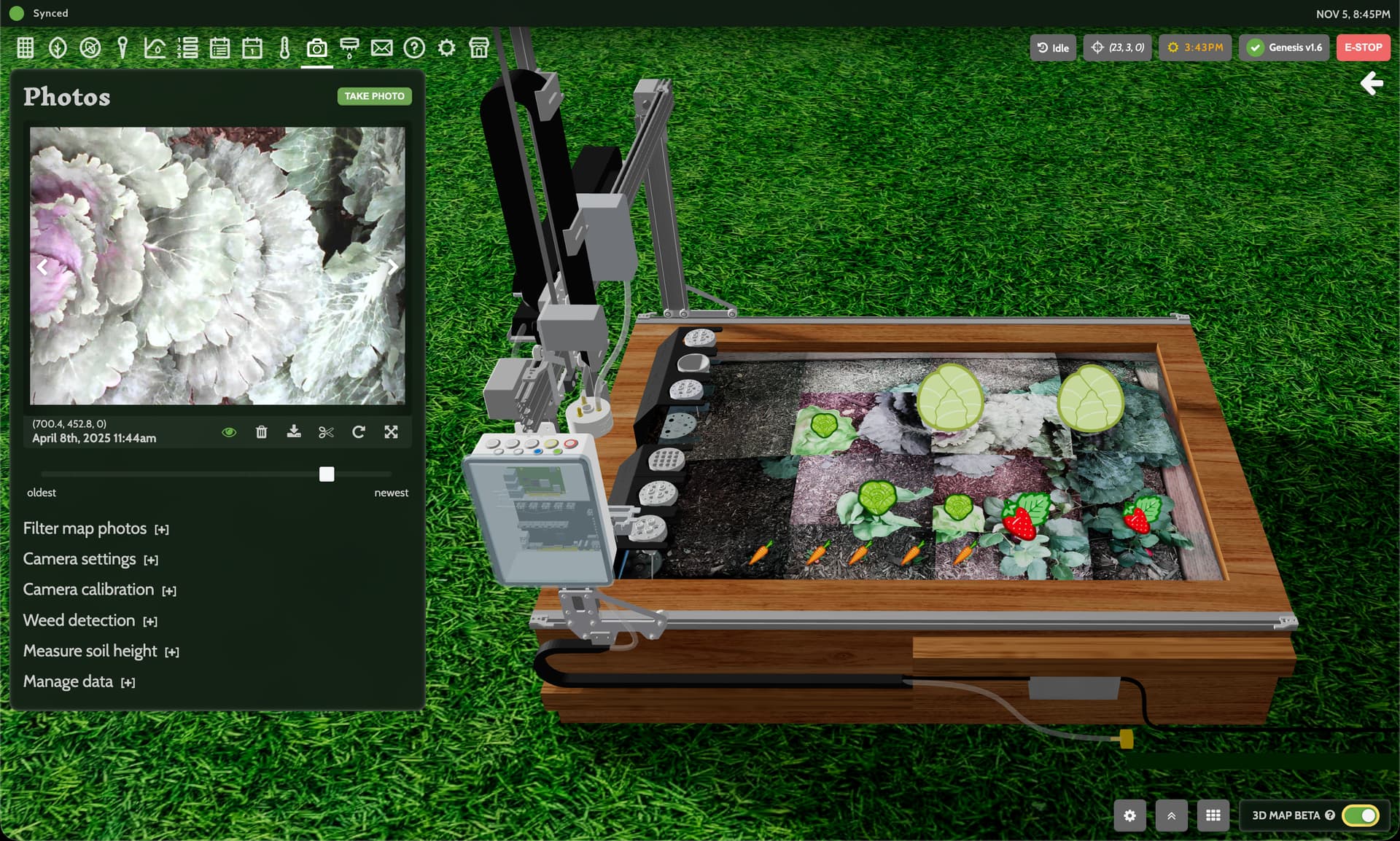
3D photos
Photos are now rendered on the soil surface in the 3D farm designer beta, checking off one of the last major features to be re-implemented in 3D. We’re now in the final stretches of transitioning the entire app experience into 3D, soon leading to it becoming the default (and eventually, only) view, offering a much richer experience that is more intuitive and representative of your real-life machine and garden.
3D group order visuals
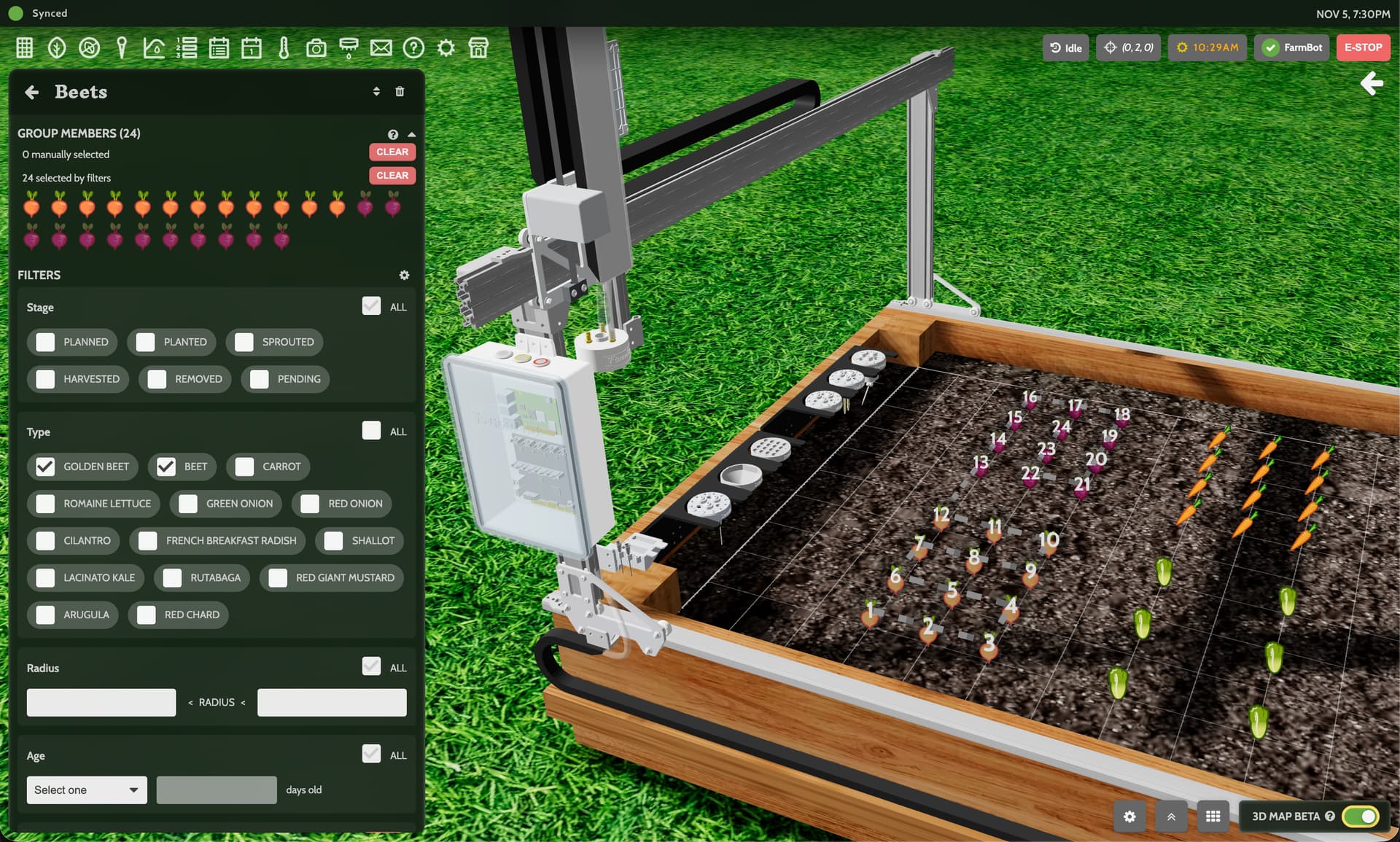
When a group of plants, weeds, or points is selected, you’ll now see the order number of each item shown in the 3D garden view, along with a dashed line representing the rough pathway FarmBot will take to move to each member of the group. Note: depending on your AXIS ORDER setting, the exact pathway may be different from member to member.
Simplified main navigation
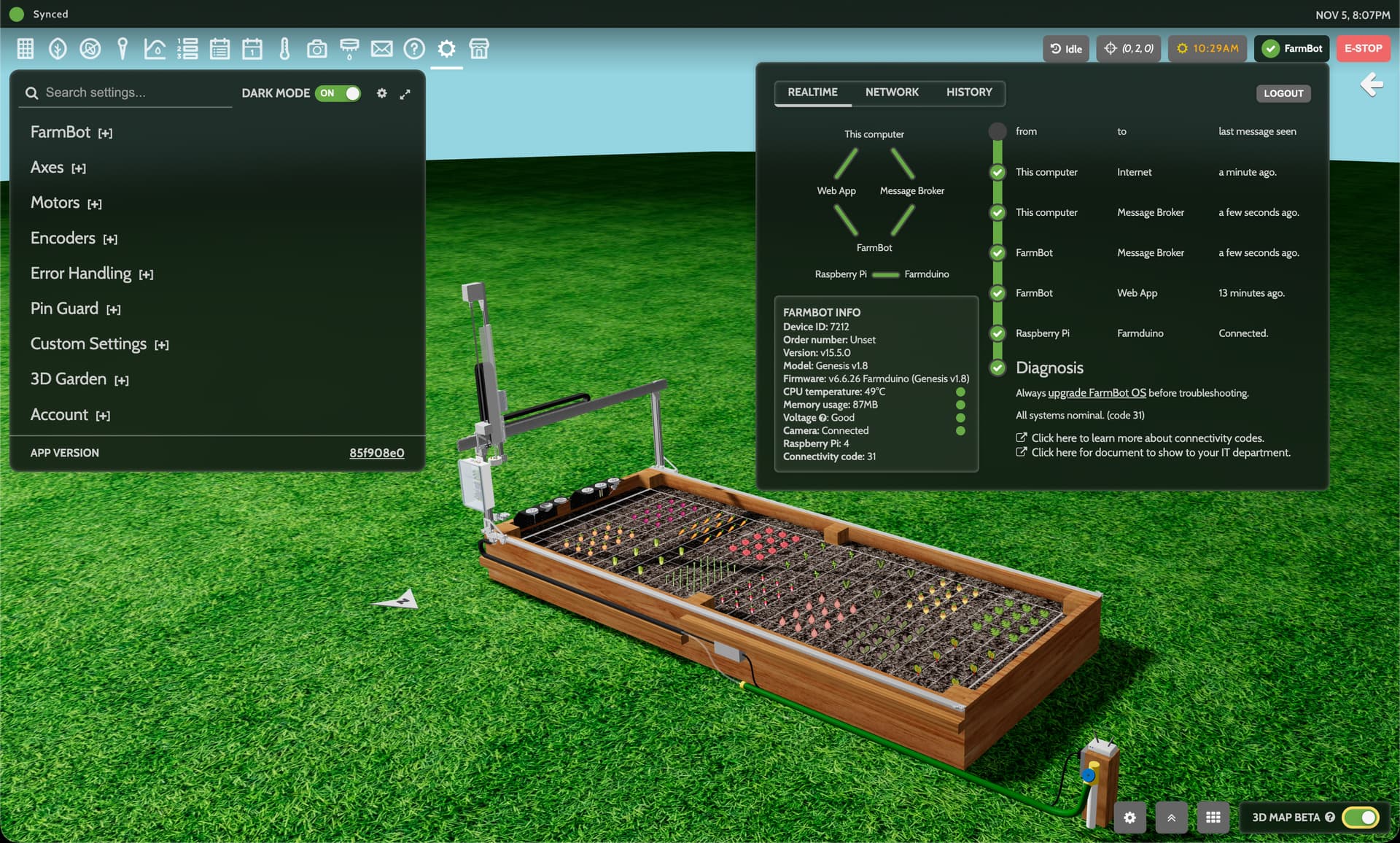
The popups and menus in the top right of the app have been streamlined to show more information in a smaller footprint. The account menu has been removed entirely, with its features moved to the following new locations:
- Your FarmBot’s name is now shown in the connectivity popup button
- The logout button is now in the top right of the connectivity popup
- The dark mode toggle is now in the top right of the settings panel
- The app version number is at the bottom of the settings panel
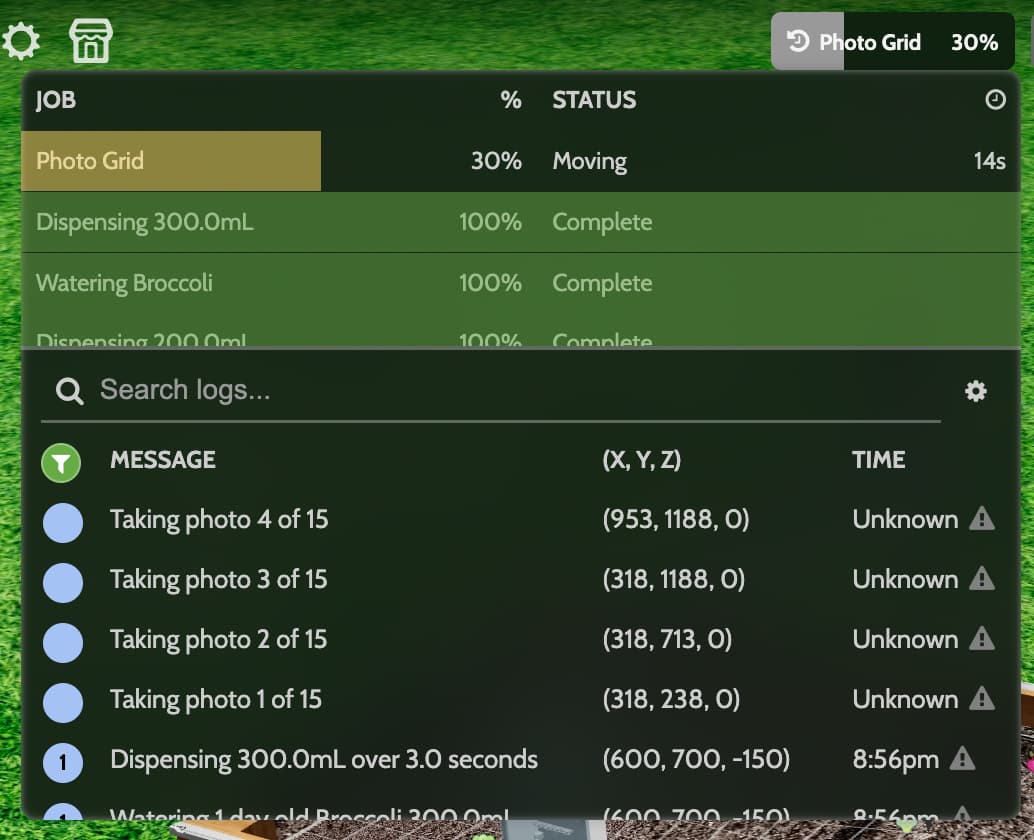
Combined jobs and logs tabs
The separate jobs and logs tabs have been combined into one view, allowing you to see exactly what FarmBot is doing at a high and low level from one compact space. Both sections are scrollable allowing you to see more as needed.
Improved setup wizard
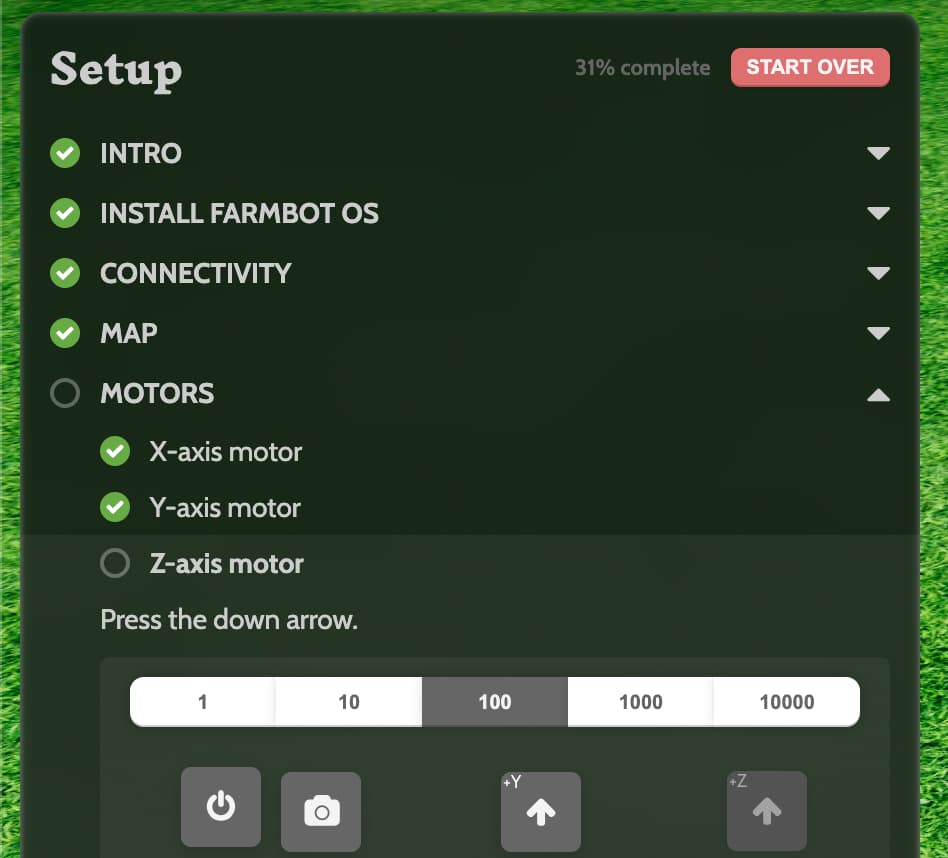
The setup wizard now has an improved hierarchical layout and styling, making it incrementally easier for new users to keep track of which steps they’ve finished and how many more there are to go in commissioning their machine.
Login page demo option
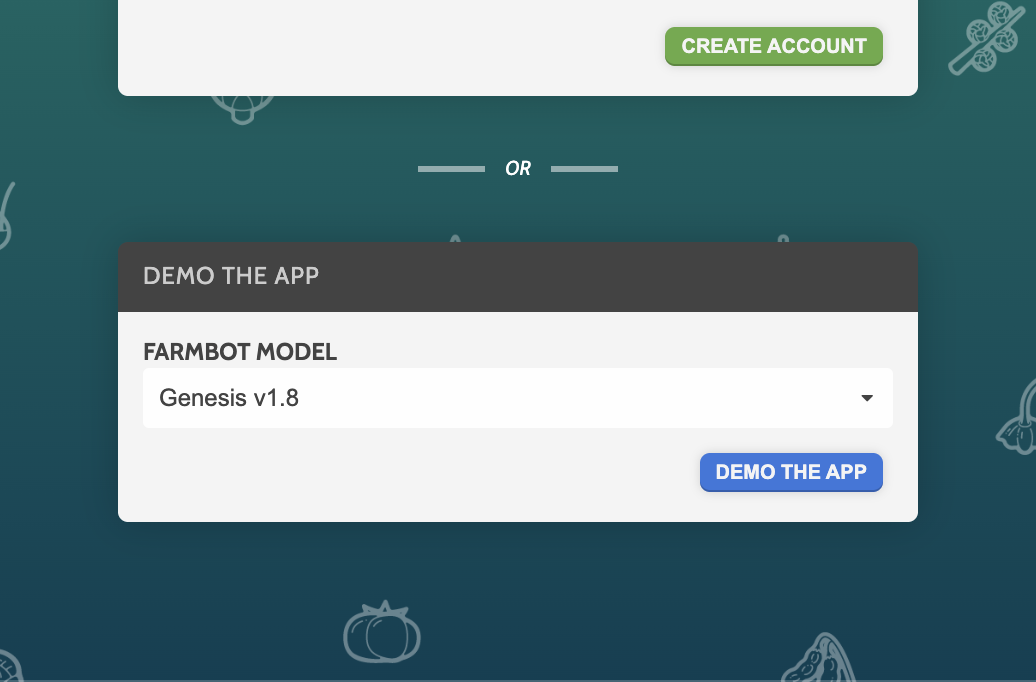
We’ve added an option to create a demo account to the bottom of the login page to facilitate classrooms and prospective FarmBot owners to use a demo account.
Miscellaneous
- Up to 50 demo accounts can now be created per hour per IP, allowing entire classrooms to practice using the app.
- Order number has been added to the FARMBOT INFO section in the connectivity popup to facilitate customer support interactions.
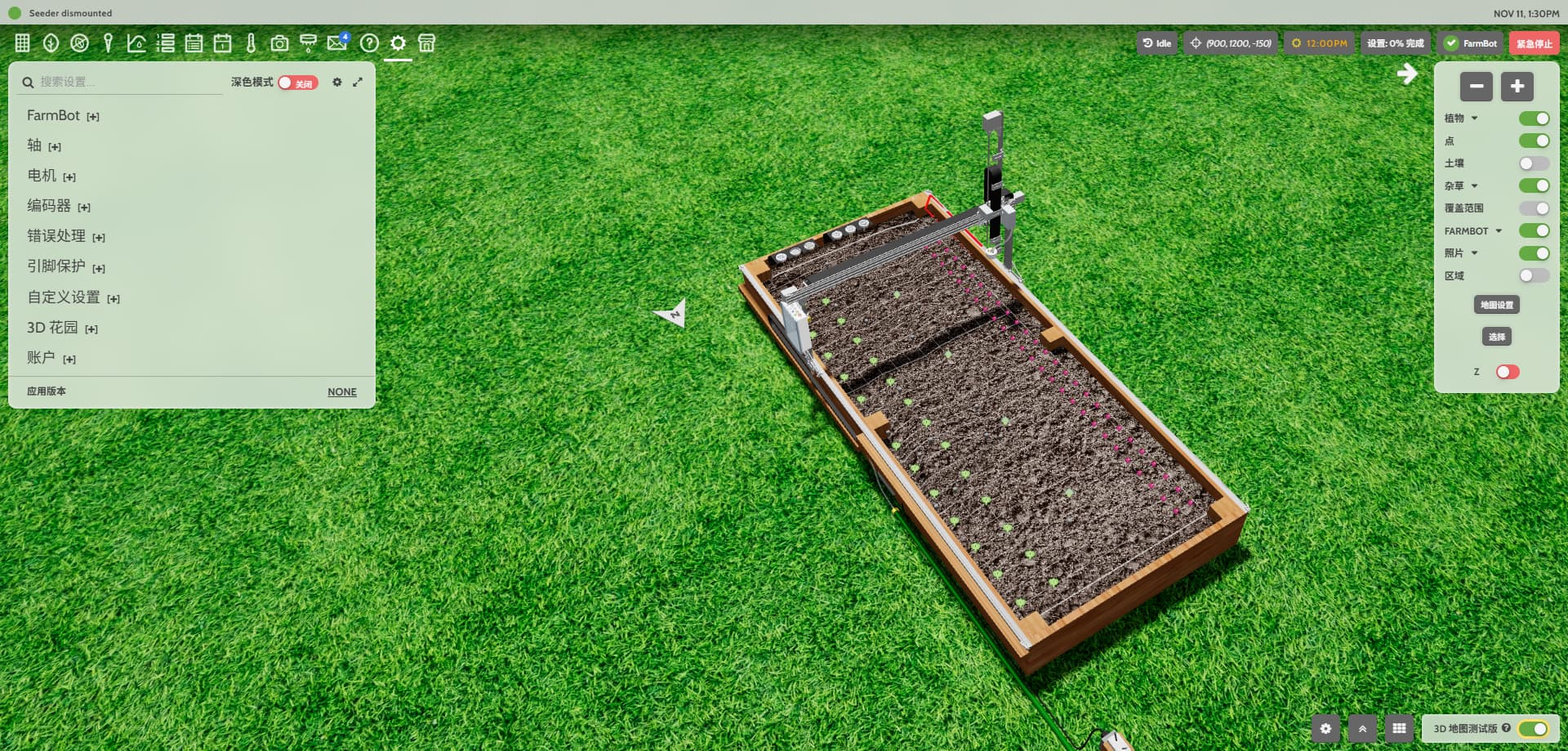
- Updated the app’s Chinese translations. Thank you @ncnynl for the contribution!
- Improved various account seeding values to provide a smoother initialization.
- Fixed the display of the 3D electronics box LEDs and buttons depending on FarmBot model.
- Improved ARIA attributes, added missing image alt texts, and made other web accessibility improvements.
- Added a fallback for the Draco loader for the 3D environment to improve load success.