Is it just me or do you also have a strange orientation when enabling the 3D view?
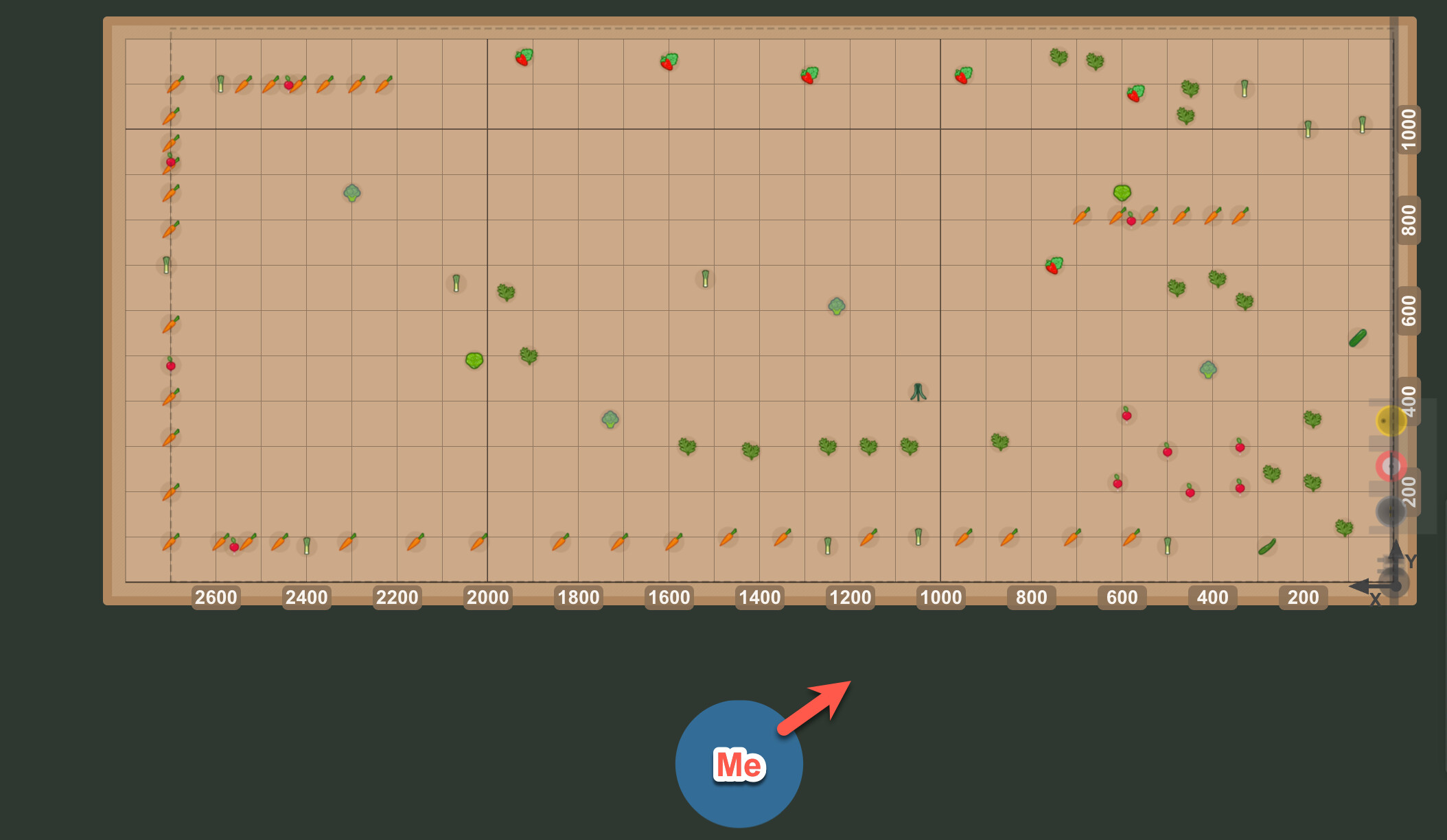
In the 2D view everything matches my real setup, usually most of the time I’m watching my Farmbot in front where the x and y 0 position would be in the right front of myself.
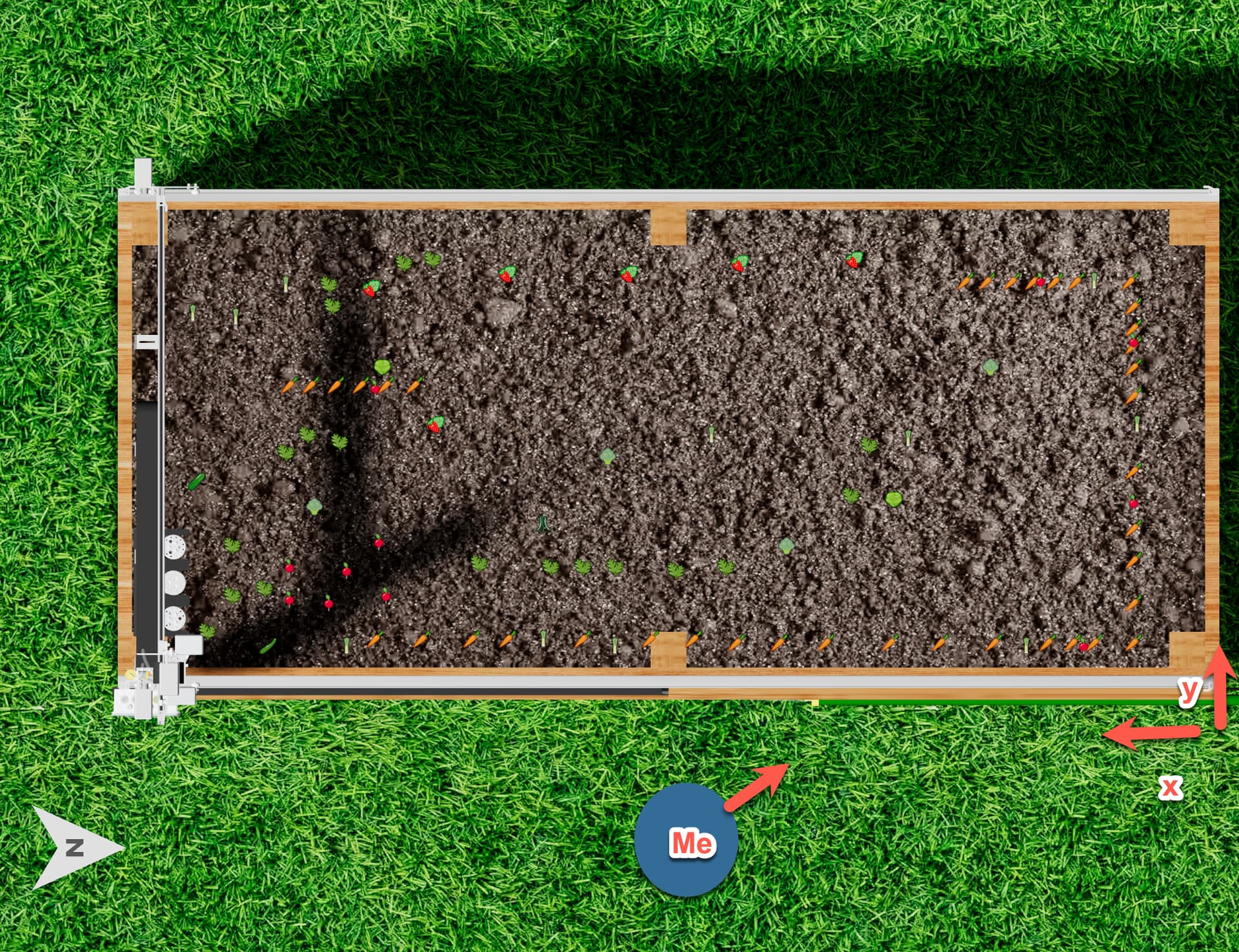
Illustration (bird view) with my head in blue, arrow shows my head orientation, looking in this direction.
When enabling the 3D mode (bird view) , it all starts to look very wrong. Like everything is mirrored by the y axis… I would expect to have the x and y axis in the same left front, but for some reason it is on the left… You can see this comparing the plants and Farmbot head.
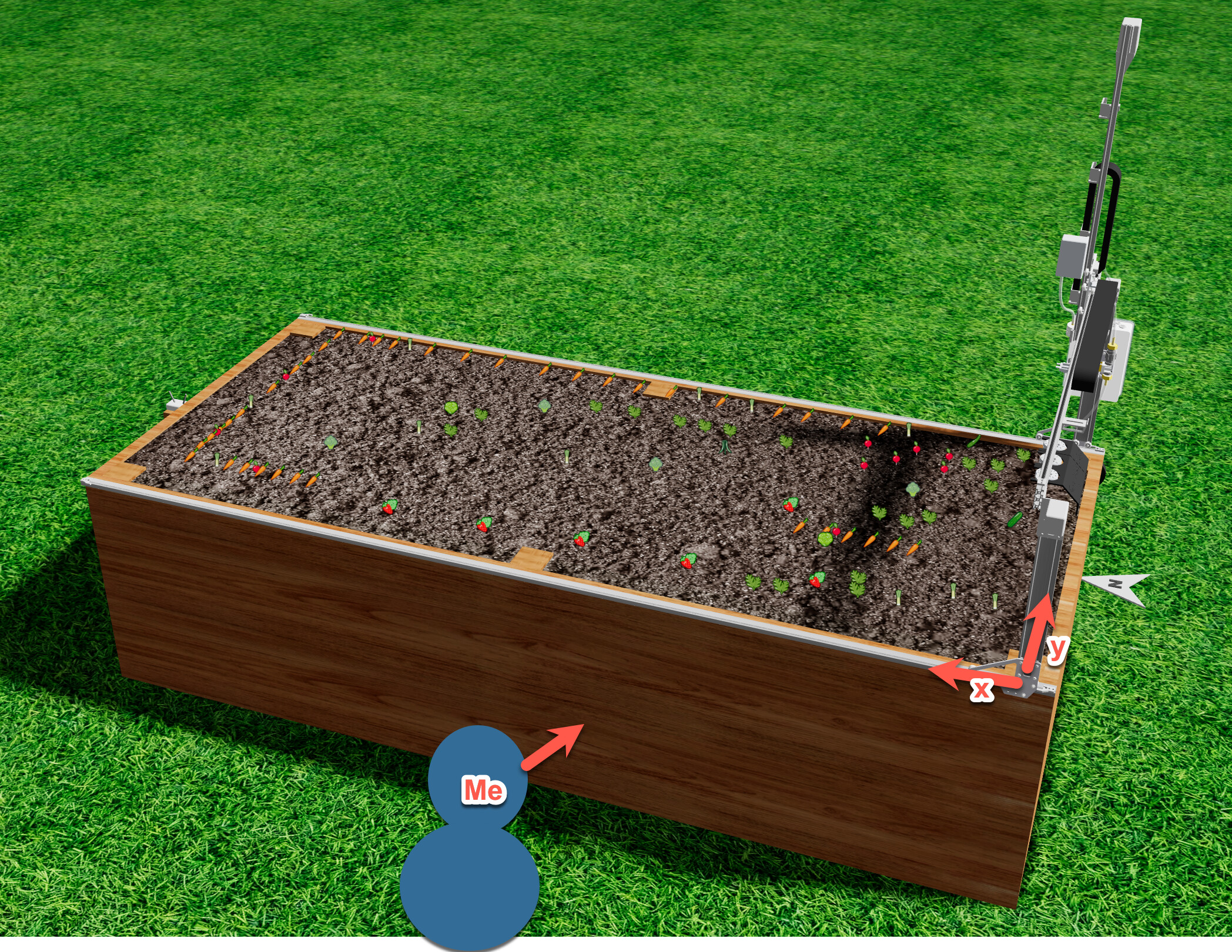
When enabling the 3D mode (front view), now the farmbot x and y 0 position looks to be on the right side, but in the back. So like mirrored by the x axis! Very confusing!
@farmS1m please see the latest update announcement
and let us know if the new customizable starting camera location and non-standard home position support in 3D work for your situation!
Amazing with the new feature I was able to set the orientation matching my environment:
env("3D_mirrorX", "0")
env("3D_mirrorY", "1")
The ability to set a starting camera location also works perfectly and is super helpful! Thank you so much for your support!
The only thing I’m noticing is that the photo overlay isn’t correct; it has a strange look. The Photo Grid v6 sequence ran after the variable was changed.
Okay great, glad we’re close on getting your setup 100% matching. I think the last thing you may need to adjust is either ORIGIN LOCATION IN IMAGE or CAMERA ROTATION
in your camera calibration settings. Let us know if that resolves the photo grid seams correctly!
 :
: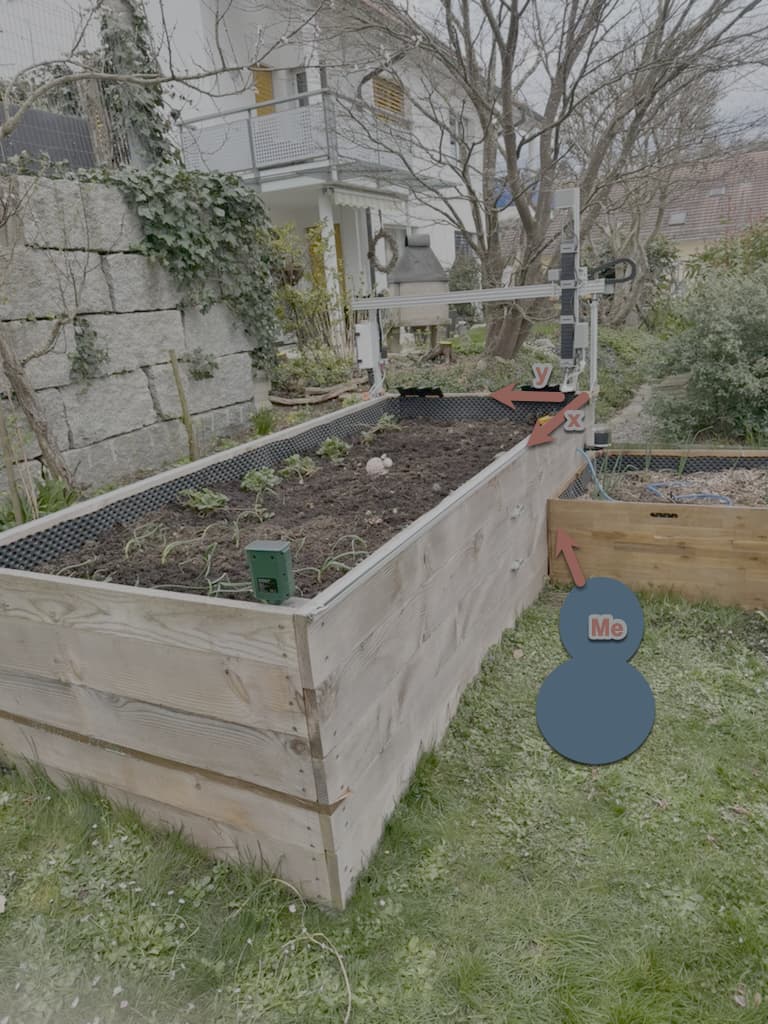
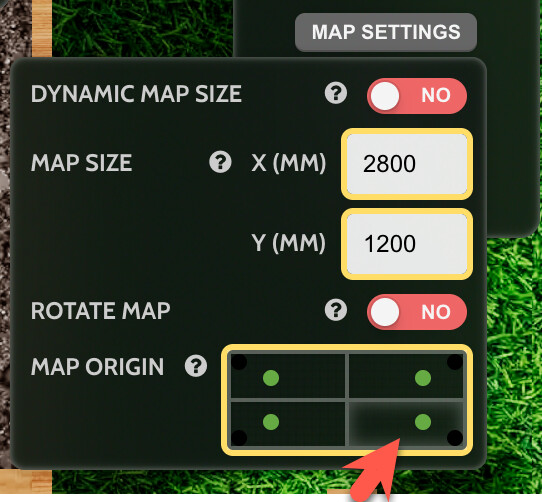
 with the new feature I was able to set the orientation matching my environment:
