Hello all,
Today we have a nice round of performance and other improvements to share which have now landed in the FarmBot web app. Here’s what’s new:
2.5x FPS improvement in 3D
We’ve been working to improve 3D performance as we grow nearer to bringing the 3D farm designer out of beta. Since the addition of better monitoring and checks as a part of our continuous integration pipeline, we’ve made some targeted changes that have significantly improved FPS (frames per second) performance by a factor of 2.5x!
For higher end computers we’re now seeing 120 FPS in typical circumstances. For lower end devices such as phones or chromebooks, we still have more work to do to achieve a nearly guaranteed 30 FPS. We’re also beginning to test against more demanding circumstances in hopes of increasing various web app limits such as the maximum number of points and images. Stay tuned!
Other performance enhancements
- Updated the AI model for Lua code generation to GPT-5.4. This model is faster and smarter than the previous model, providing higher quality code generation. It also supports a larger context window, which will allow us to include even more of our documentation behind the scenes in a future update.
- The 3D environment now uses an image atlas (sprite sheet) for the plant icons, to improve loading performance and reduce network requests. You can download the sheet of all icons here!


- Reduced the number of redraws being triggered by connectivity pings.
- Fixed a memory profiling leak.
Customizable starting camera location in 3D
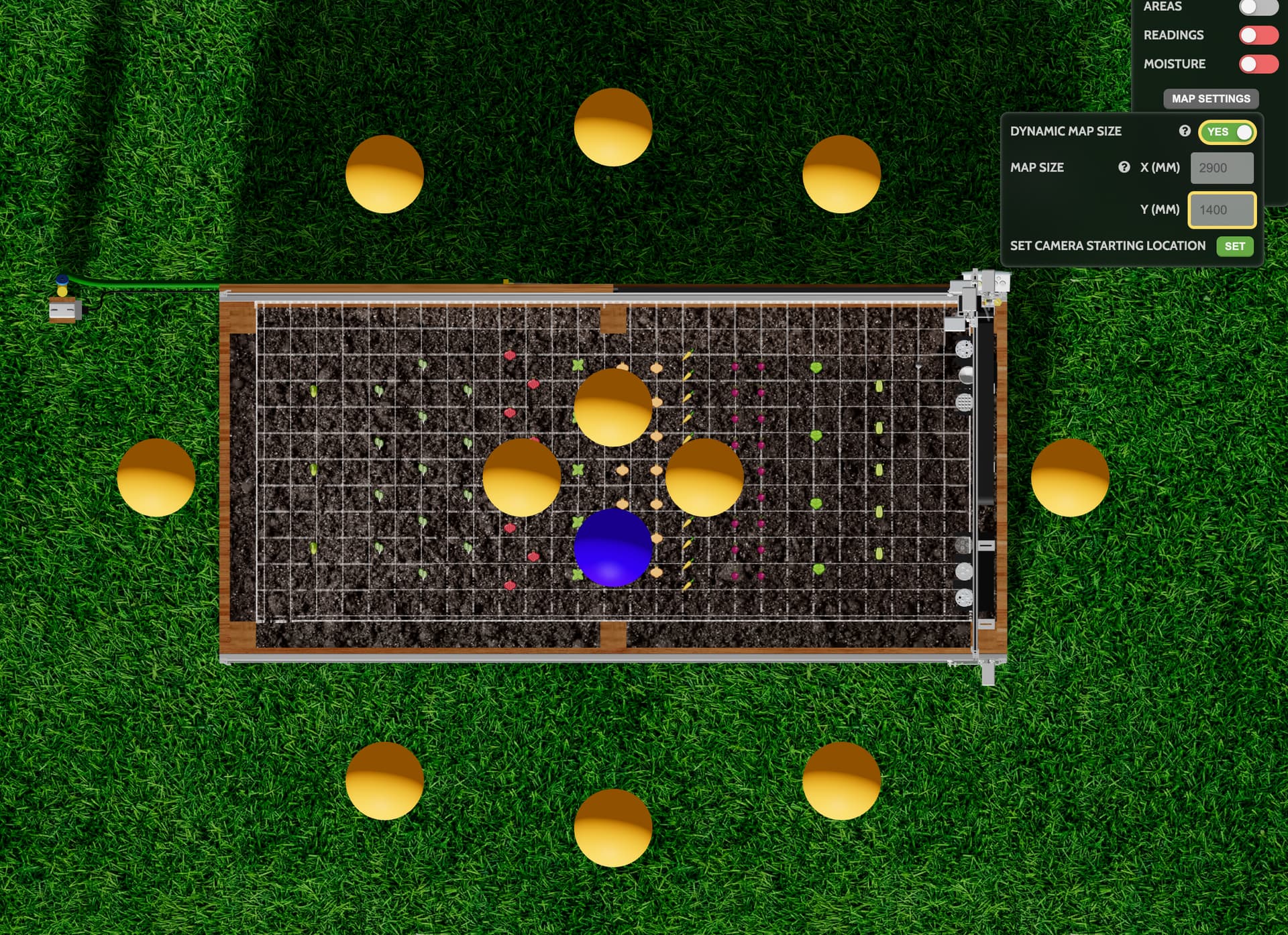
You can now select from 12 different starting viewpoints in 3D. Just open up the MAP SETTINGS and click the SET CAMERA STARTING LOCATION and then one of the 12 orange spheres. This is convenient for making the default view match the angle from which you typically view your FarmBot in the real world.
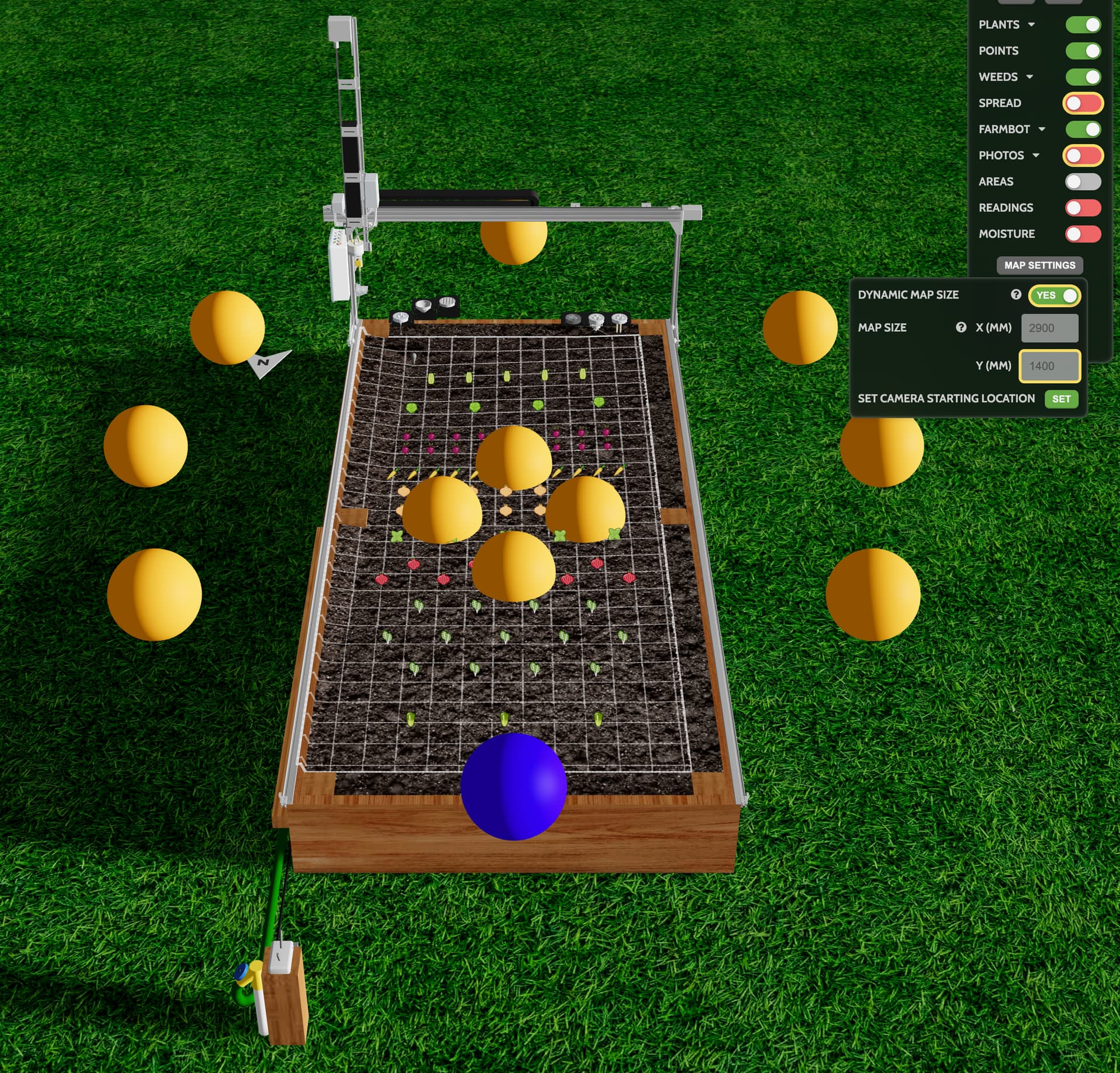
The four options in the center of the bed will select the top-down isometric view with 0, 90, 180, or 270 degree rotations.
Non-standard home position support in 3D
In response to this post, we added a few new settings to properly support non-standard home positions in the 3D environment. While we haven’t exposed these with a full UI just yet, if you have a non-standard home position you can add 3D_mirrorX and/or 3D_mirrorY with values of 1 to your Custom Settings to allow the grid, tools, FarmBot position, plants, weeds, points, and images to all render in the correct position.
Please note that old photo grids will no longer have matching seams and so a new grid of photos will need to be taken. This was a fun mind puzzle to figure out how to support because we couldn’t simply mirror everything like we did in 2D due to some nuances with chirality. Please let us know if you are now able to match the 3D environment to your real-life environment @farmS1m!
Miscellaneous
- Improved Lua
move{}andmove{safe_z=false}error handling. Thank you @kalpyantra for the feedback! - Added CSS linting and Ruby static analysis to further enforce code quality for ourselves and increasingly AI agents.
- The 3D FarmBot promo on our homepage now automatically cycles through each of the four seasons and they’re demo gardens with an animated sun position and growing plant icons.
- Updated the Genesis docs to reorder when the vacuum pump is installed and add some additional information regarding recommended water pressure.